
Webster County VINELink Coverage
Georgia rolled out VINE service statewide through Appriss in 2024. The official statewide announcement describes custody notifications delivered in real time. They arrive by phone, online, and on mobile, with multilingual support around the clock. VINE is the notification program itself. VINELink is its public search and registration face.
Coverage still depends on local jails sending their records in. The Webster County Sheriff's Office website publishes no Webster-specific VINE participation notice. Neither does the official Sumter County Jail page. Current official evidence does show one thing. People arrested in Webster go to Sumter County Jail. So pick Georgia in VINELink. Then choose Sumter County or the Sumter jail agency when the live interface offers that choice.
Run a Webster VINELink Inmate Check
Start with solid identifying facts. A full legal name is the usual starting point. An inmate or booking identifier can sharpen the result if you have one. Exact controls vary by agency, since the live VINELink application is interactive and can change. Never settle for a name match alone.
- Open the VINELink state-selection screen and choose Georgia.
- Continue to the Georgia search and choose Sumter County or the Sumter facility option if it appears. Webster does not operate the roster used for current bookings.
- Enter the person's name or available inmate or booking identifier. Start with accurate spelling, then try a reasonable alternate spelling if needed.
- Compare any returned custody record with the person's known identity and arrest details. Check the facility, identifier, and current status before relying on the match.
- Open the matching record to view supported custody details and the registration option. Save the identifier used for later confirmation.
- If no record appears, check the Daily Arrest Report route through Sumter SmartWeb and call the jail.
The official VINELink entry screen begins with the state selection.
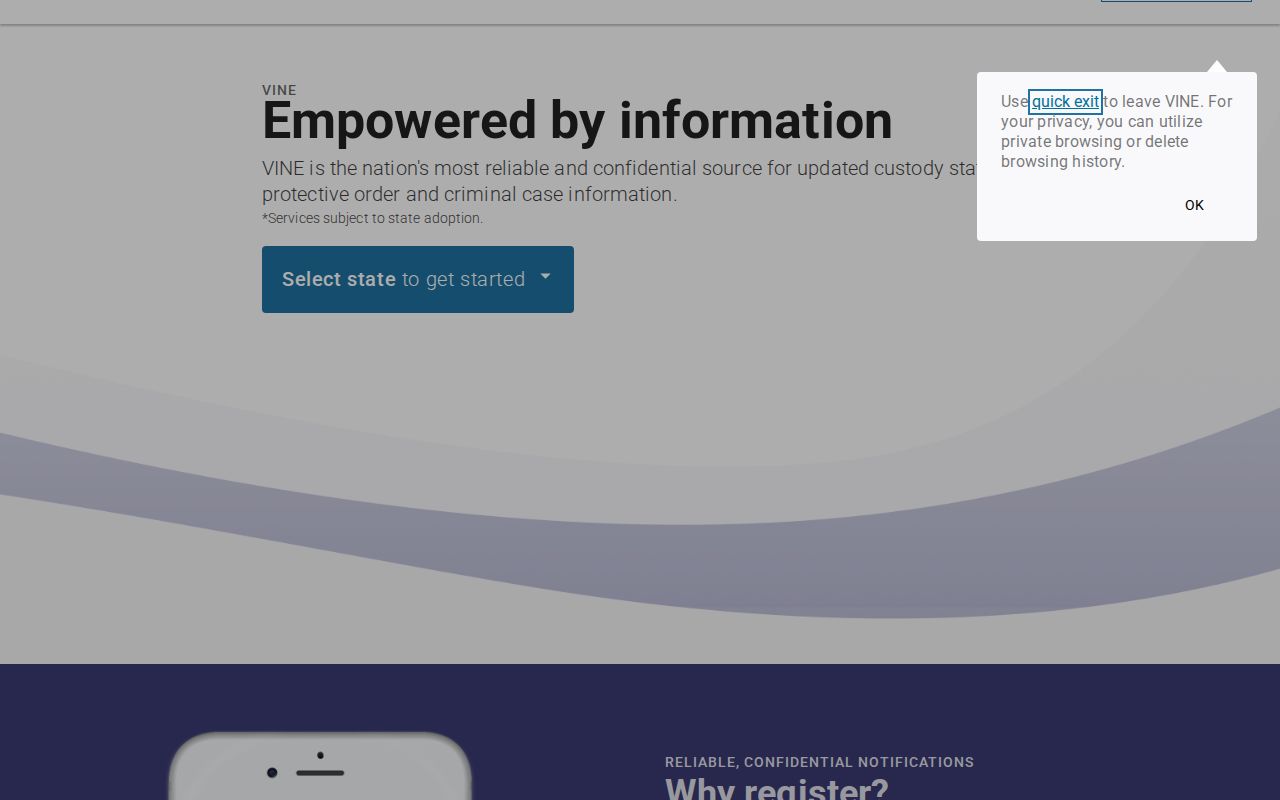
Choosing Georgia puts the search in the right state system before any county or facility pick.
What Georgia VINELink May Show
A VINELink result answers custody questions. It is not a full arrest record. Field names and availability depend on which agency supplies the data, so matches will not all carry the same details. Focus on the core questions: does the person match, where is that person held, and what custody state does the system report?
| Possible item | What it means |
|---|---|
| Name or identifying details | Facts used to distinguish the sought person from another person with a similar name. |
| Inmate or booking identifier | A system reference that can improve later searches and help facility staff locate the right record. |
| Custody status | The status supplied by the participating agency at the time of the latest system update. |
| Facility or location | The reported holding agency or institution, which may change after a transfer. |
| Registration option | A control for requesting supported release, transfer, or other custody-change notices. |
Booking photographs and final case outcomes live elsewhere. The official Sumter SmartWeb roster may show an image control with a booking result. For the legal outcome, check the Webster court record. The Georgia VINELink interface provides the state search context for custody checks and alerts.

This interface handles one-person custody checks and alerts. Treat it as nothing more.
Register for Georgia Custody Alerts
Registration starts from the correct custody record. Georgia VINE materials describe phone, web, and mobile access. Other official county explanations say the service is free, confidential, multilingual, and open to anyone wanting custody notifications. Notice events can include release, transfer, or another supported status change.
- Confirm that the record belongs to the correct person and shows the expected facility.
- Select the registration or notification option attached to that record.
- Enter the telephone number and/or email address accepted by the live service. Follow the displayed verification prompts.
- Create or record the personal identification number, commonly called a PIN, when the service requests one. Keep it private.
- Review the events and contact methods shown in the interface. Complete registration and retain the confirmation.
- Return to the live record or support route when contact information changes or help is needed.
Published Georgia VINE materials list different support numbers. A Toombs County sheriff page shows (833) 216-6670. An older White County handout lists 1-866-277-7477 plus a TTY line. Those materials disagree. Trust the number on the live VINE support page over any older handout. The official VINE support screen is the current route for registration and PIN questions.
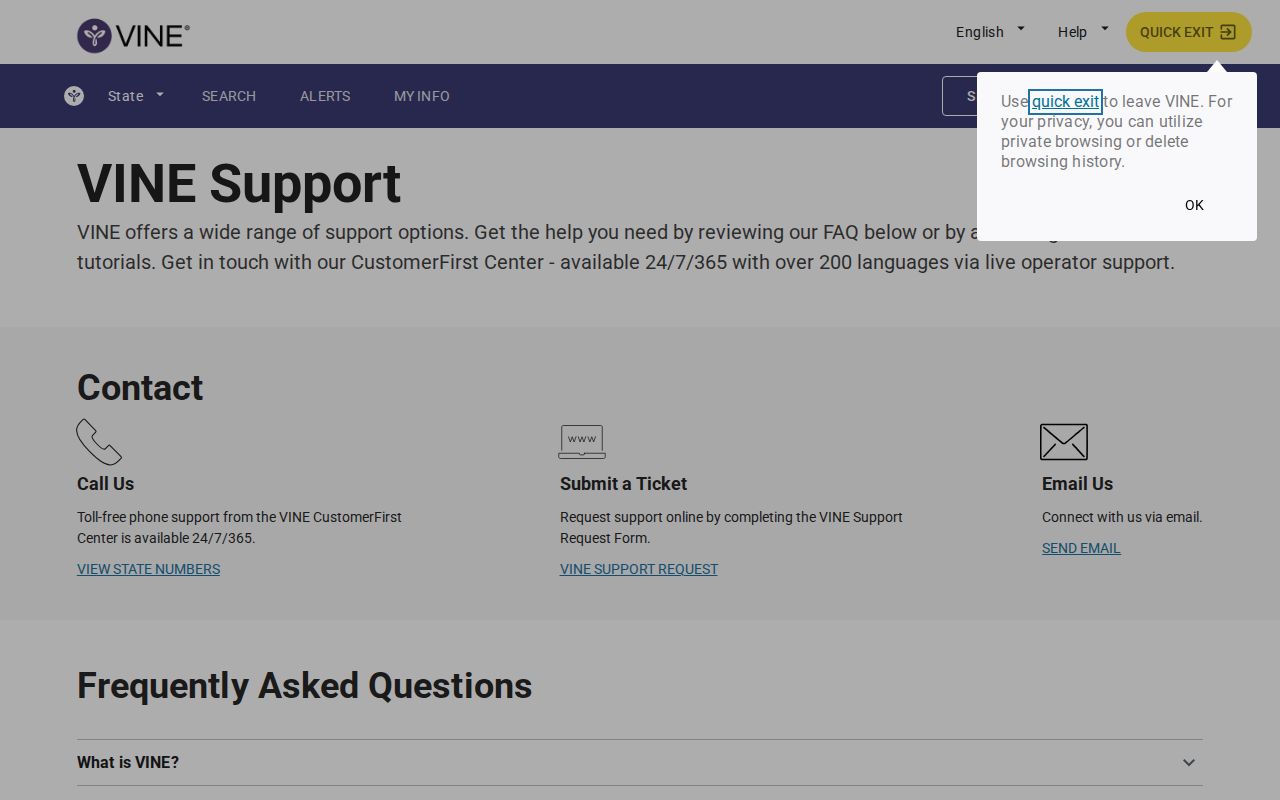
If registration, contact delivery, or PIN access misbehaves, use the support options displayed there.
Webster Custody Alerts Need Backup
VINE builds custody awareness. It is not an emergency-warning guarantee. Data has to travel from a participating custody agency into the service, and a phone, email, device, or network can delay delivery. Never count on an alert arriving before a release. Anyone with an immediate safety concern should use the proper emergency or law-enforcement channel.
Local routing gives another reason to keep a backup. Webster County Sheriff's Office serves as the arresting or records agency for many local matters, while Sumter County Jail holds the public custody roster documented for Webster bookings. VINELink is a third channel. One may update before another, and each answers a different question. The jail can confirm present local custody. The sheriff can address its arrest report. VINELink can track supported status changes.
Write down the person's full name, the identifier shown, the facility, the status, and the time you checked. Those notes make a later call more precise. If a notice says the person moved, search the named receiving system or confirm the transfer directly rather than assuming the original jail still controls the record.
Limits of a VINELink Result
A blank VINE result can mean several things. Bookings take time to reach the system. Names get spelled differently. Someone may have been released already, moved to another facility, or booked somewhere that never feeds the search. Records can also be restricted from public view. A blank screen settles very little about a Webster arrest.
VINE is not an archive, either. For an older Webster arrest record, file the Webster County Sheriff's Office Open Records form. Sumter SmartWeb offers booking and release date ranges for a wider jail search. Court outcomes belong to the courts. Ask the Webster Superior Court Clerk, or the court that handled the matter, when you need the official answer.
Jurisdiction lines matter, too. State prison means the Georgia Department of Corrections search. Federal cases call for the Bureau of Prisons locator. Immigration custody runs through the ICE detainee tool. Georgia VINE sees none of those systems.
Custody can also shift without the case ending. A release from Sumter County Jail might reflect bond, a court order, or a completed sentence. Transfers simply move a person between facilities. The court disposition lives elsewhere. Request the official record from the Webster Superior Court Clerk once a case reached that court. State prison time calls for the Georgia Department of Corrections offender search. Each tool answers one question only.
Confirm Webster County Custody
Work the official sources in order. Start with VINELink for a specific-person search and custody alerts. The Sumter SmartWeb roster shows fresh, current county-jail custody. Call Sumter County Jail at (229) 924-4094 when the two systems disagree or time matters. For a local arrest record or agency question, contact the Webster County Sheriff's Office at (229) 828-7503.
The Webster County arrest lookup maps the jail, court, state, and federal paths in more depth. Remember the split. An arrest record documents the event. A roster shows jail custody. VINELink sends notifications, and a court disposition states the outcome. No single screen does all four jobs.
Public Record Search
Sponsored Results